
Caldera RIP cutting and splitting images randomly

wonderings

Well-known member
We have been fighting with an issue for a long time and have yet to find an answer. We have 2 Epsons being run through Caldera. Latest updates. I don't run it so not knowledgable on Caldera at all but thought I would reach out to see if anyone has had this issue. We have done various tests to try and isolate the problem, Epson blames Caldera, Caldera blames Epson. Epsons are SurColor R5070's. We have 2 of them.

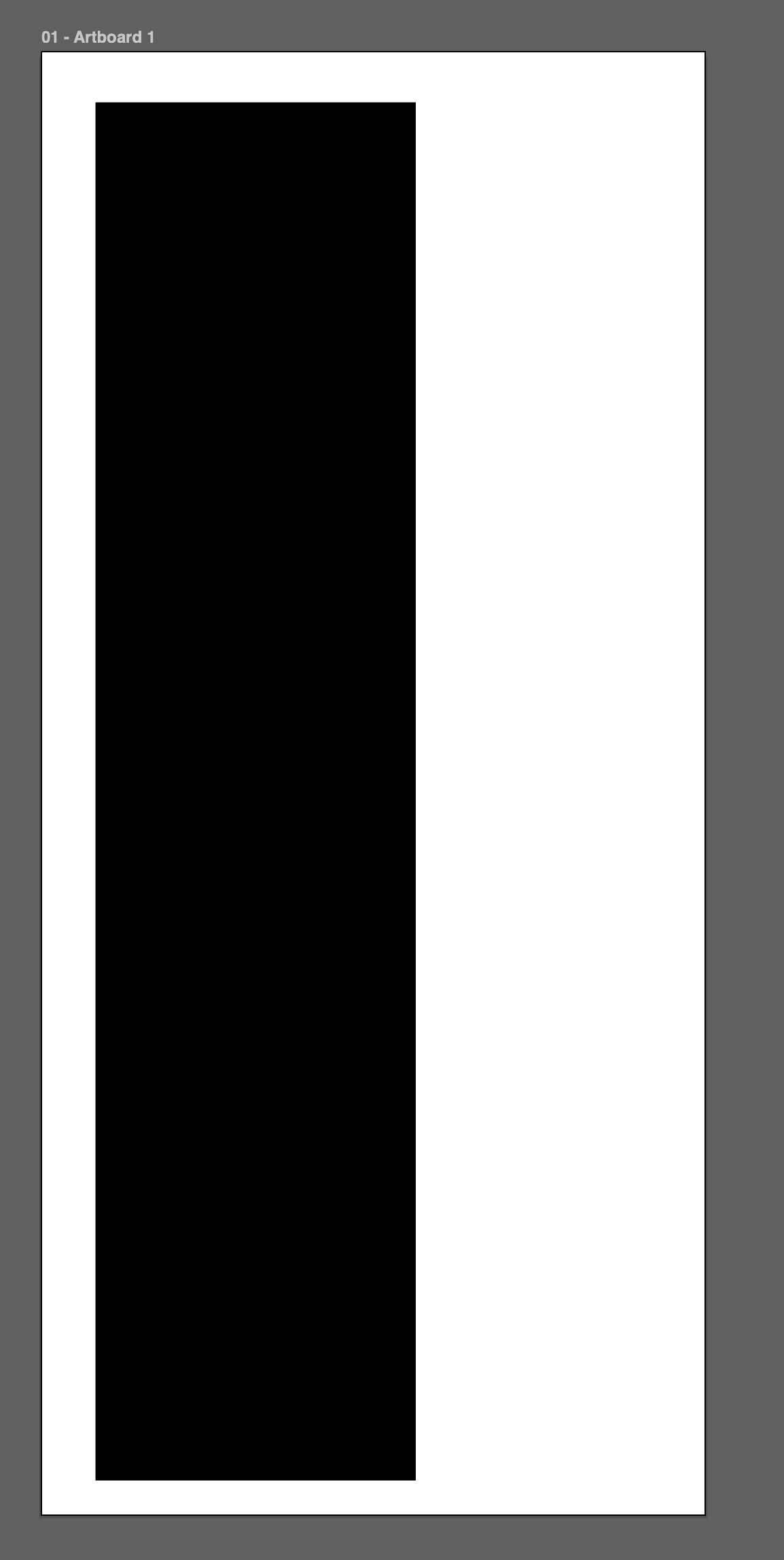
I will try my best to explain what will happen. It seems to happen mostly on longer print runs. Say for example I have a long rectangle black bar (this happens randomly with any image) that was 26" x 112" running on a 54" wide roll. It would look something like this when printed properly:
Screenshot 2026-03-30 at 12.22.32 PM.png

(white is the paper, black is the print)

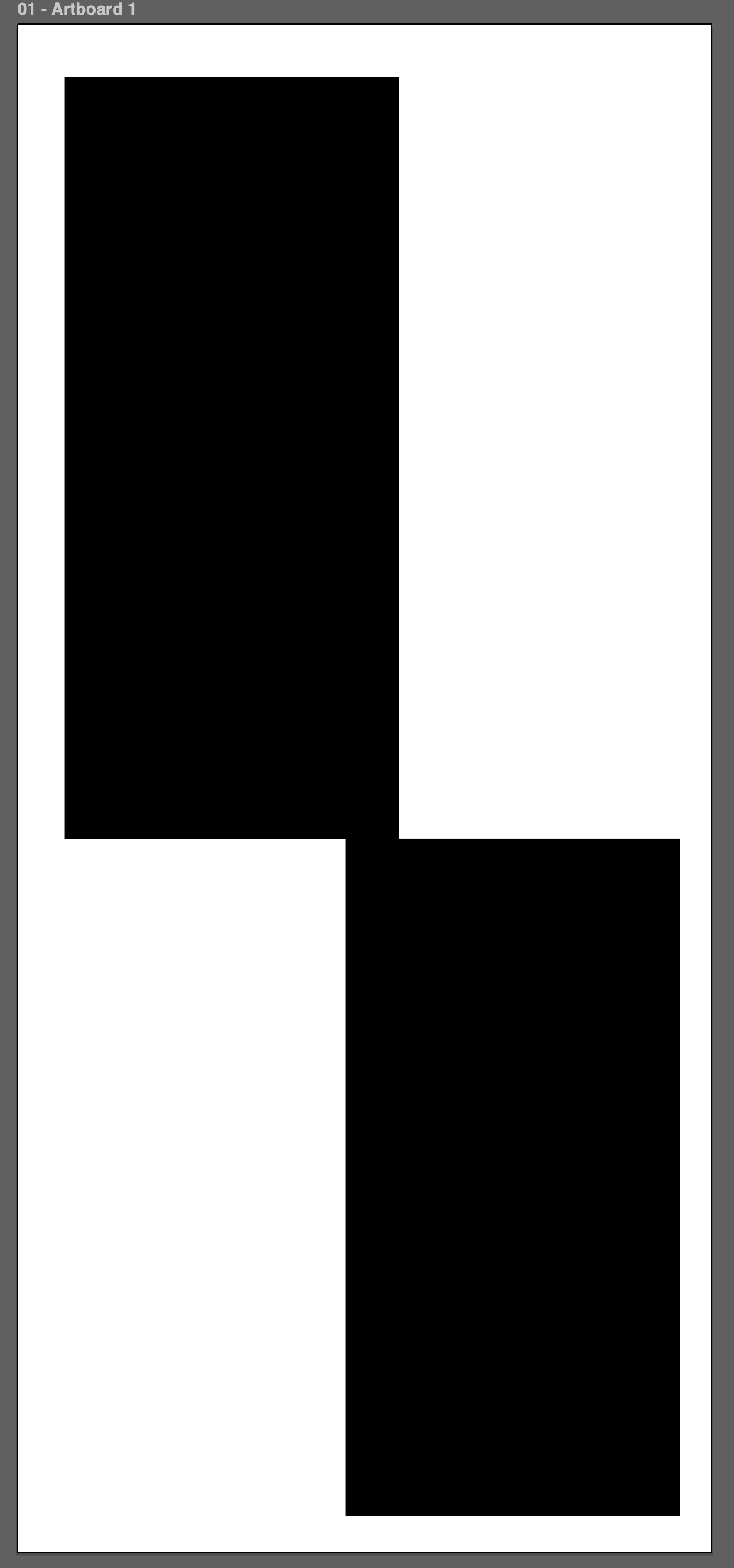
What will randomly happen is it will literally cut the image and shift across the page like the image below.
Screenshot 2026-03-30 at 12.24.08 PM.png


We have tried new computers and clean installs, etc. Has anyone seen this issue or had it happen to them? Have you ever resolved it and found out what the issue is?
 
Reason I asked was, I had some issues if S&R was used with Contour and then not set back to Standard even if S&R was not enabled on subsequent print jobs if multiple copies were called for. But I never saw it split up an image, only overlapped other images. I am only running HP and Canons.

I would make sure that S&R is set to Standard even if not enabled.
 
is the black bar a vector or a raster? If you can exclude anything in Caldera, it could be some data "issues" in the source file. I kind of remember PDF where images would look positive or negative depending on the reader, due to to internal data for that image. It's not what you describe but I would still keep it in mind in case you would run out of options.
However, if that was it, Caldera or Epson should have found this already.
 
is the black bar a vector or a raster? If you can exclude anything in Caldera, it could be some data "issues" in the source file. I kind of remember PDF where images would look positive or negative depending on the reader, due to to internal data for that image. It's not what you describe but I would still keep it in mind in case you would run out of options.
However, if that was it, Caldera or Epson should have found this already.
The black bar is just to represent images that we print, it varies and all files would be vector. It is not one file but random files happening randomly.

After rendering the job in Caldera, does the Preview of the rendered data show half the rectangle shifted?
I don't think they can see that in the preview otherwise they would not print it. I will check though.

Edit: The preview always looks fine, it does not show the issue that is happening when printing randomly.
 
Last edited:
Even if random, could they have common ground? Same PDF producer, same customer submitting the file? If it's random, it's could to be related to the file. But if it's vector, I can't really think of something.

Ok, I would normally NOT advice this but just a quick and dirty check. Can you refry one of those problematic files. If the PDF > PS > PDF "fixes" it, then it would probably show something strange in the source data.

Weird if it's random, if it was a certain setting in Caldera, I would presume it to be appearing every single time. If you open the file in Caldera, can you already see the issue, or is it really once printed on the medium?
I think I remember that Caldera has some option for tiling and reverting tile orientation. Could you have a workflow in caldera that does tiling and have this option enabled maybe?

I am very intrigued. You can send me an example if you like, not promising any answer but I could have a look at if I can see something in the file structure.
 
When you say random is it always off when that file is printed. Or is it 4th sheet out of 10 (from the same file) is off?
 
Even if random, could they have common ground? Same PDF producer, same customer submitting the file? If it's random, it's could to be related to the file. But if it's vector, I can't really think of something.

Ok, I would normally NOT advice this but just a quick and dirty check. Can you refry one of those problematic files. If the PDF > PS > PDF "fixes" it, then it would probably show something strange in the source data.

Weird if it's random, if it was a certain setting in Caldera, I would presume it to be appearing every single time. If you open the file in Caldera, can you already see the issue, or is it really once printed on the medium?
I think I remember that Caldera has some option for tiling and reverting tile orientation. Could you have a workflow in caldera that does tiling and have this option enabled maybe?

I am very intrigued. You can send me an example if you like, not promising any answer but I could have a look at if I can see something in the file structure.
The common ground would be anything that is a vector file. We printing a lot of OEM decals for companies in the Agricultural sector. These are files properly made in Illustrator, some by us and some by others. This affects any file we put in randomly. We can go weeks with nothing and then it will happen. Caldera has been no help and say it is Epson, Epson says it is Caldera. The file it happens to will reprint fine with no issue, there is no repeatability in this bizarre issue so no files I can send.
When you say random is it always off when that file is printed. Or is it 4th sheet out of 10 (from the same file) is off?
it might not happen for weeks or more, then will pop up again. As I said above, there is nothing repeatable about this issue and does not seem to matter where the PDF is from. Something glitches and causes this issue, when it happens they use the same file and it prints again properly with no changes.
 
Hardware glitch maybe? Something showing up trying to pull the IP address of your RIP or Printer when this happens?

First thing I would start looking at is your connection. If networked, is the IP of the printer set to static and is that IP address reserved in the Router (if used in the connection) to the printers MAC address. It would also be good practice to do the same thing for the RIP IP.
 
Hardware glitch maybe? Something showing up trying to pull the IP address of your RIP or Printer when this happens?

First thing I would start looking at is your connection. If networked, is the IP of the printer set to static and is that IP address reserved in the Router (if used in the connection) to the printers MAC address. It would also be good practice to do the same thing for the RIP IP.
The RIP is through a VM on the network, we have done a direct connection though with the RIP loaded on a PC and directly connected, no VM, no network, just a direct connection. Issue still occurred. The IP addresses are static.

I was kinda hoping to hear from someone else with this same problem, I love hearing from techs "I have never seen this before". It is so peculiar and has gone on for a few years now. I personally think there is something in Caldera causing a problem as it happens with 2 different printers (both same model).
 
I have been running Caldera for 6 years or so with a Canon and a HP and I have never seen it do anything like that. Are you Step & Repeating on the RIP or telling it to do more than one copy on the printer. I wonder if you have created tif proofs and does it ever so up there.
 
   
Back
Top

