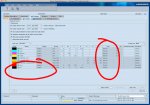
You can create a processing Sequence Template called "All Colors" which can leave spot colors as is.
Just make sure that all Die Lines are set to overprint (either in the original layout files, or using the Printready Trap Editor plug-in in Acrobat). For final output, just turn that specific spot color (die line) channel off in the Job Settings tab.