

TryingMyBest
Member
This has been an ongoing issue on my V280. I am not sure how to describe the issue besides "glitchy". I think it looks like an old CRT TV kind of thing. It isn't any of my drums, the 2BTR, IBT belt, developer, or fuser belt assy. I've had a tech out here and he's unsure about the cause because it seemed to be intermittent and he thought he had fixed it. I think I may have made the start of a breakthrough today though,..
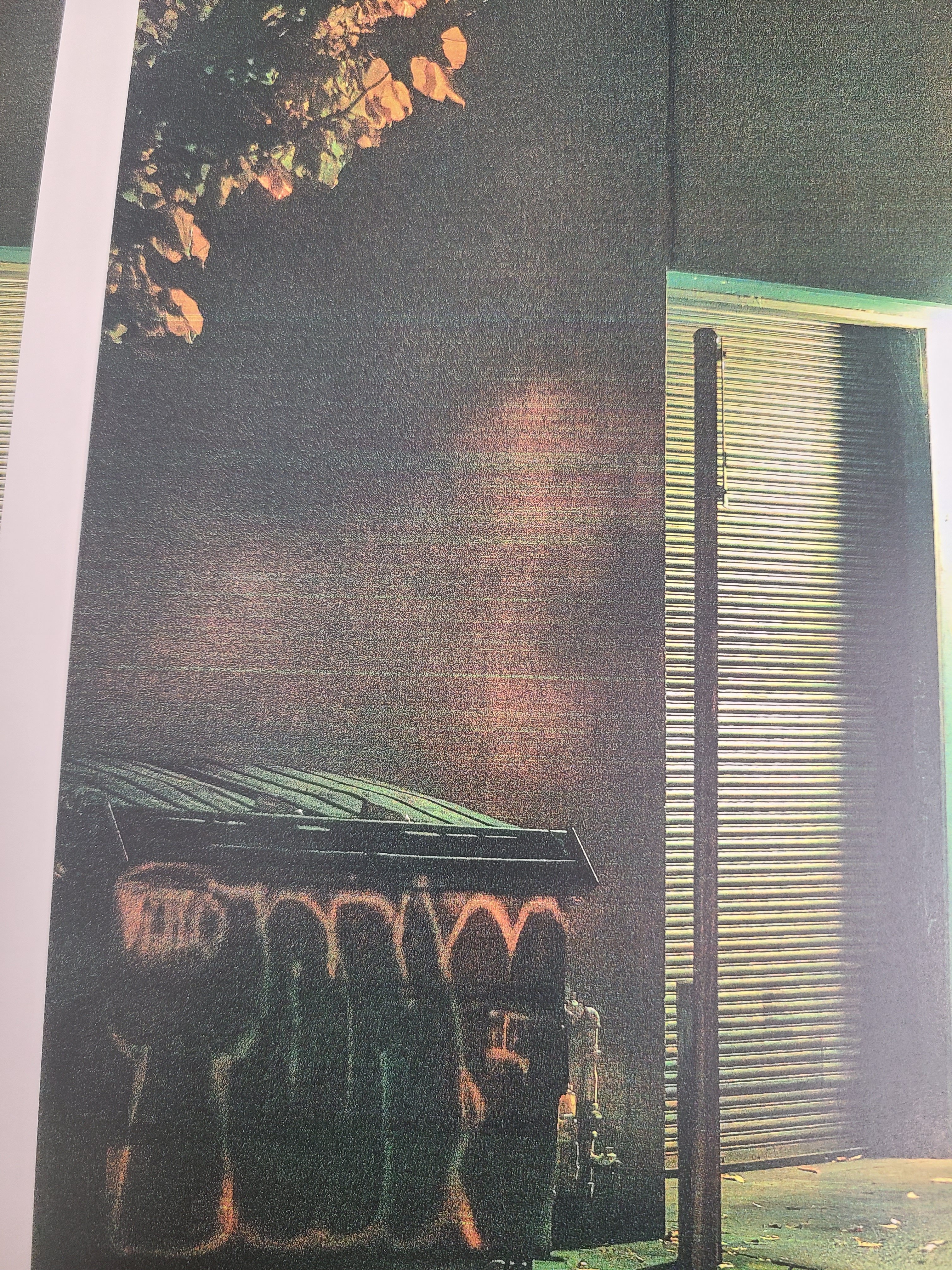
I was printing proofs on different stocks and I think I may have narrowed it down to a custom paper issue, but I don't know what specifically. When I run a job using my 100#Silk custom paper setting it comes out streaked, but when I run the same job using a different paper assigned, (100#Hammermill in this case), it comes out looking fine.I played with a couple settings like the primary cyan transfer (i think that's what its called) because c was set to 75 while MYK were all 100.
I skimmed through so many threads on this site and don't think I caught anything with this specific iq issue.
If you have any suggestions on where specifically to look in the custom paper, or know if I'm not even looking in the right place at all, any advice would be much appreciated.
I was printing proofs on different stocks and I think I may have narrowed it down to a custom paper issue, but I don't know what specifically. When I run a job using my 100#Silk custom paper setting it comes out streaked, but when I run the same job using a different paper assigned, (100#Hammermill in this case), it comes out looking fine.I played with a couple settings like the primary cyan transfer (i think that's what its called) because c was set to 75 while MYK were all 100.
I skimmed through so many threads on this site and don't think I caught anything with this specific iq issue.
If you have any suggestions on where specifically to look in the custom paper, or know if I'm not even looking in the right place at all, any advice would be much appreciated.








