tigersticks
Member
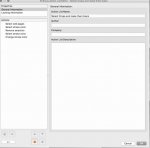
I'm having trouble getting an action list to work on only the odd pages. I need the crop marks on the odd pages to be black only. The action I created changes both odd and even. This will be run as an action list in Automation Engine so I cannot do it manually. This is what I have written but it is not working. Pitstop gurus help me!